A cursor made of data
Kadraj records where the pointer goes, not what it looks like — then redraws it sharp at any size, smooths the path and shows each click.
Kadraj for Mac
The screen recorder that edits like a camera operator. It zooms into every click, smooths the cursor and cleans your voice — then an AI editor on your Mac does the rest.
Free for six months · macOS 15 or later · Apple silicon
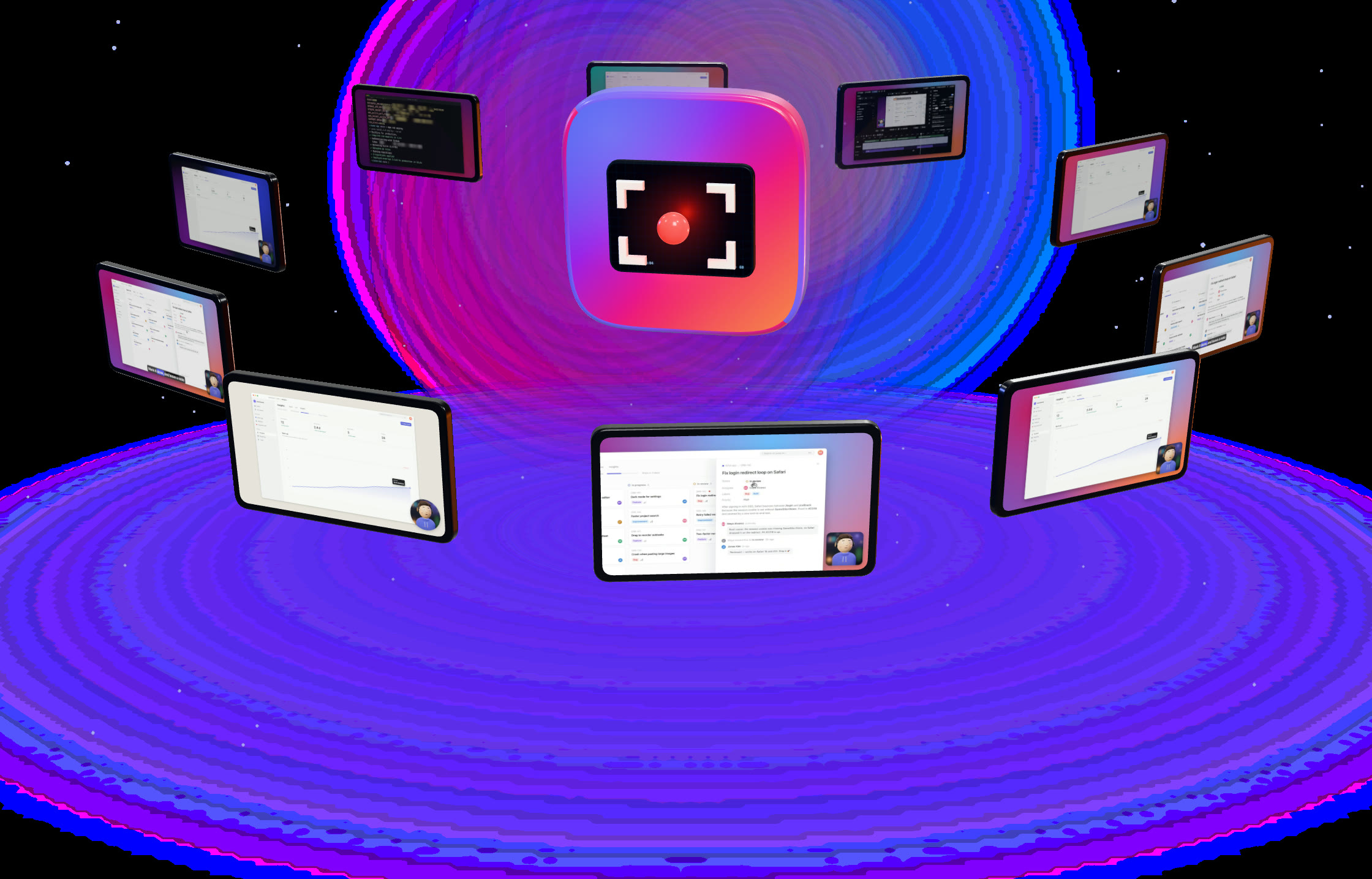
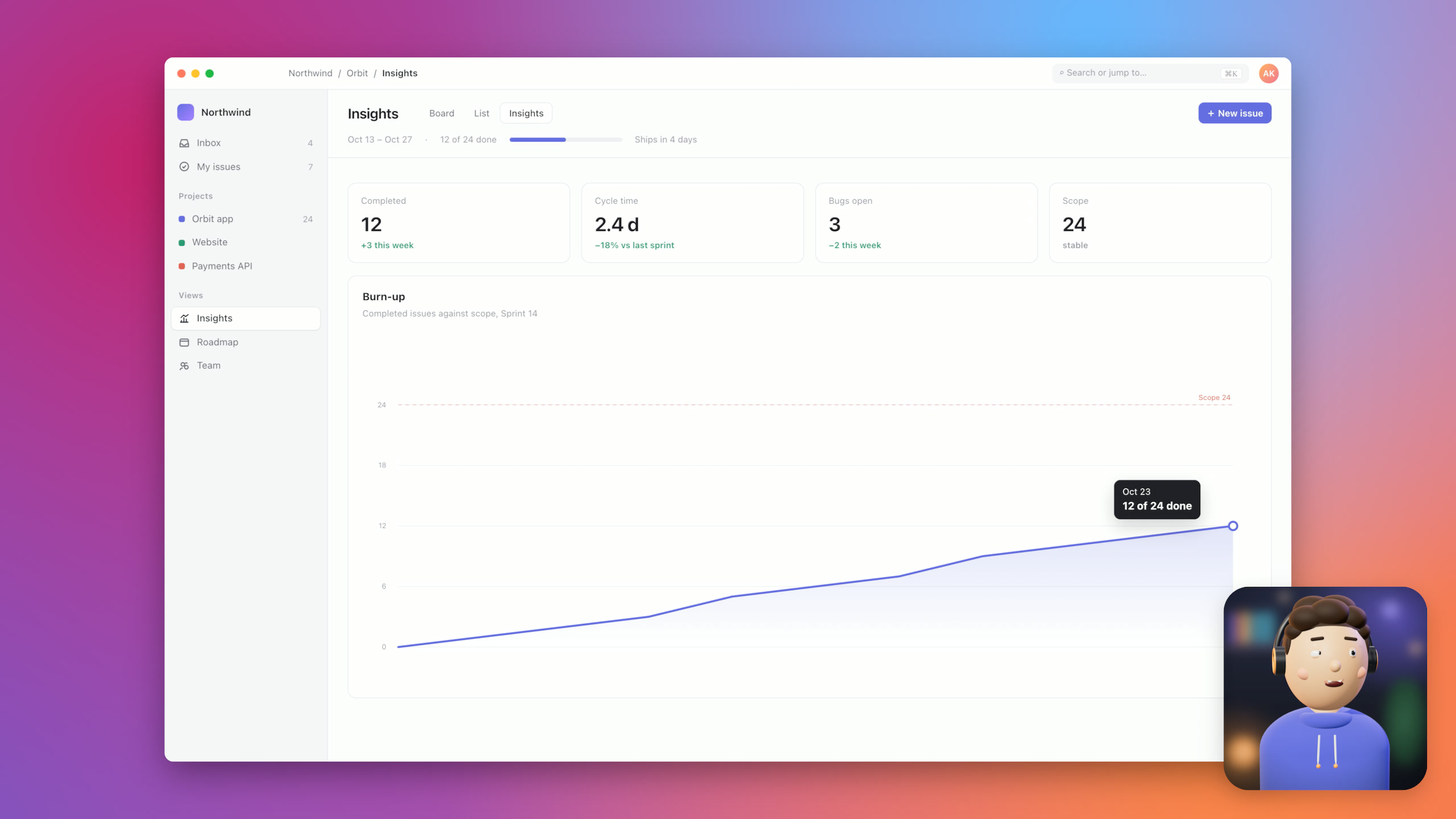
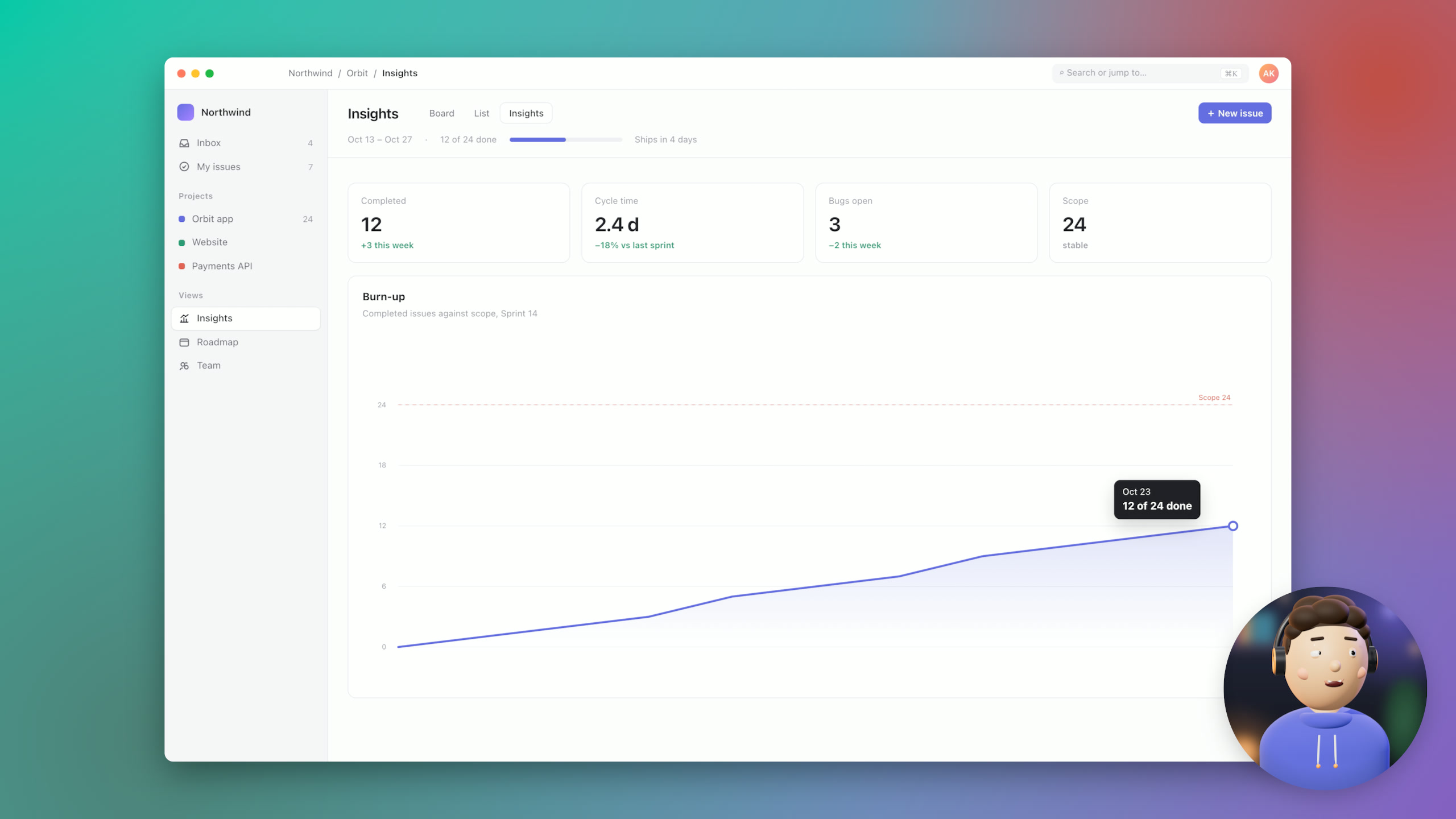
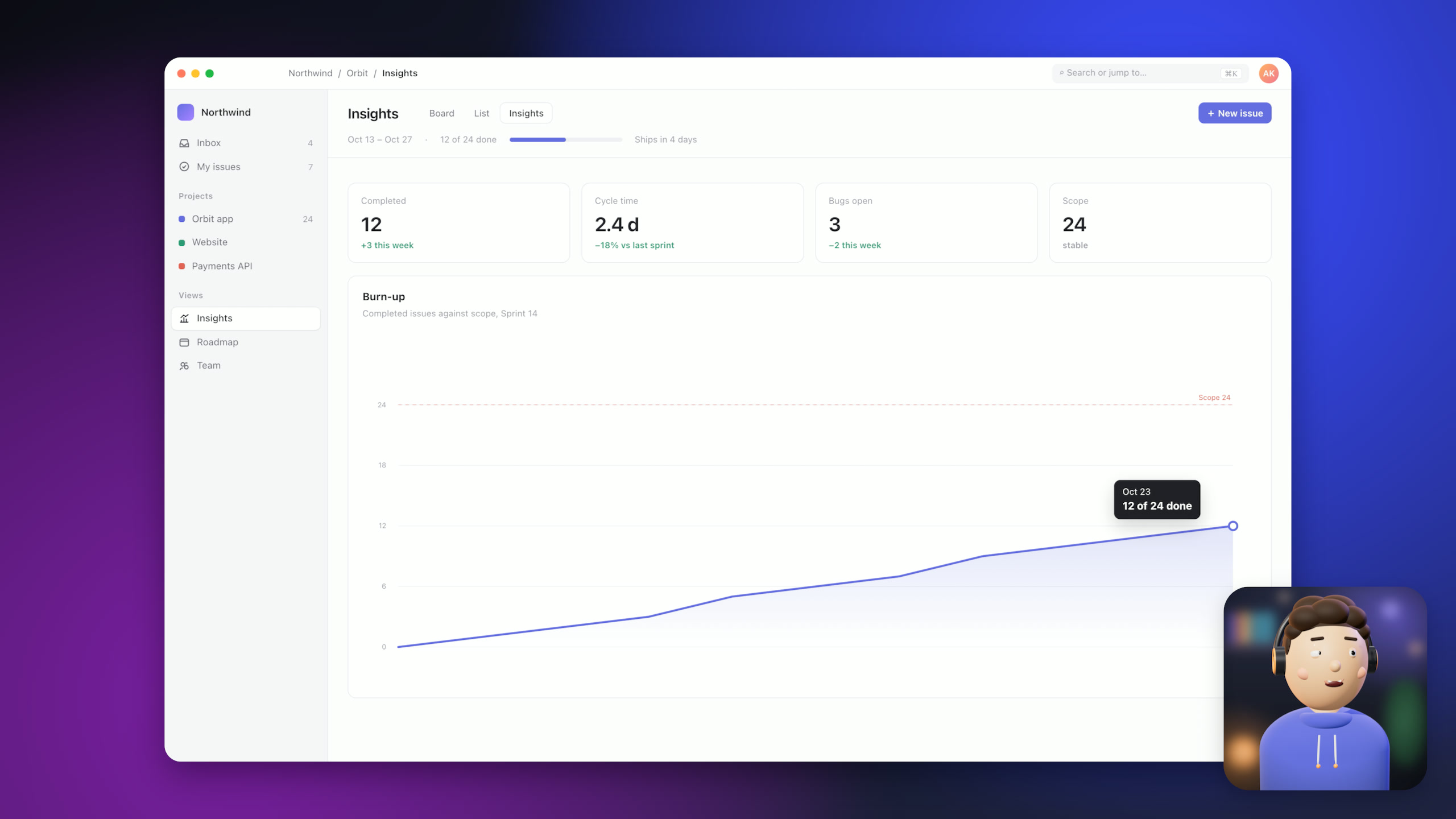
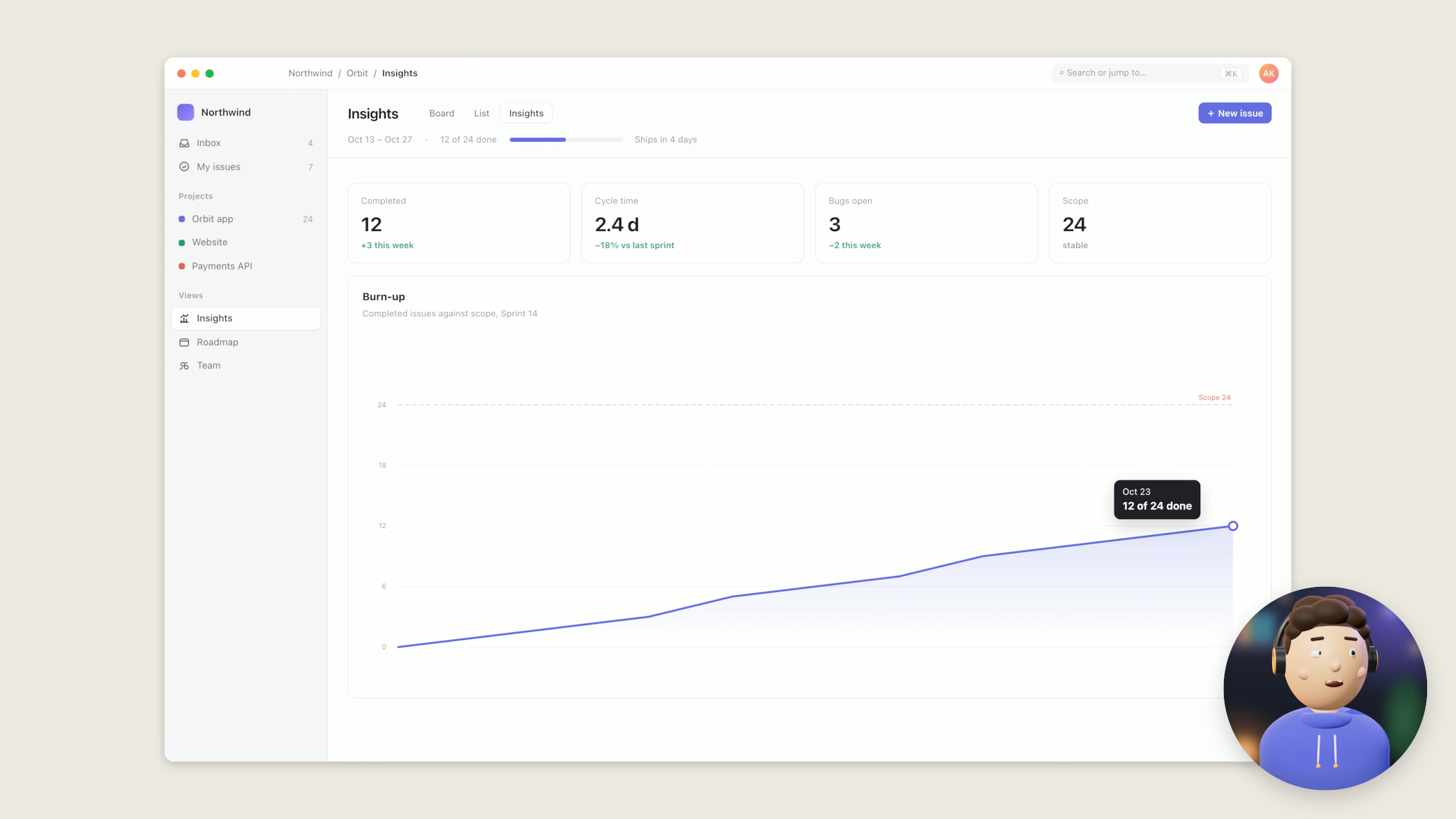
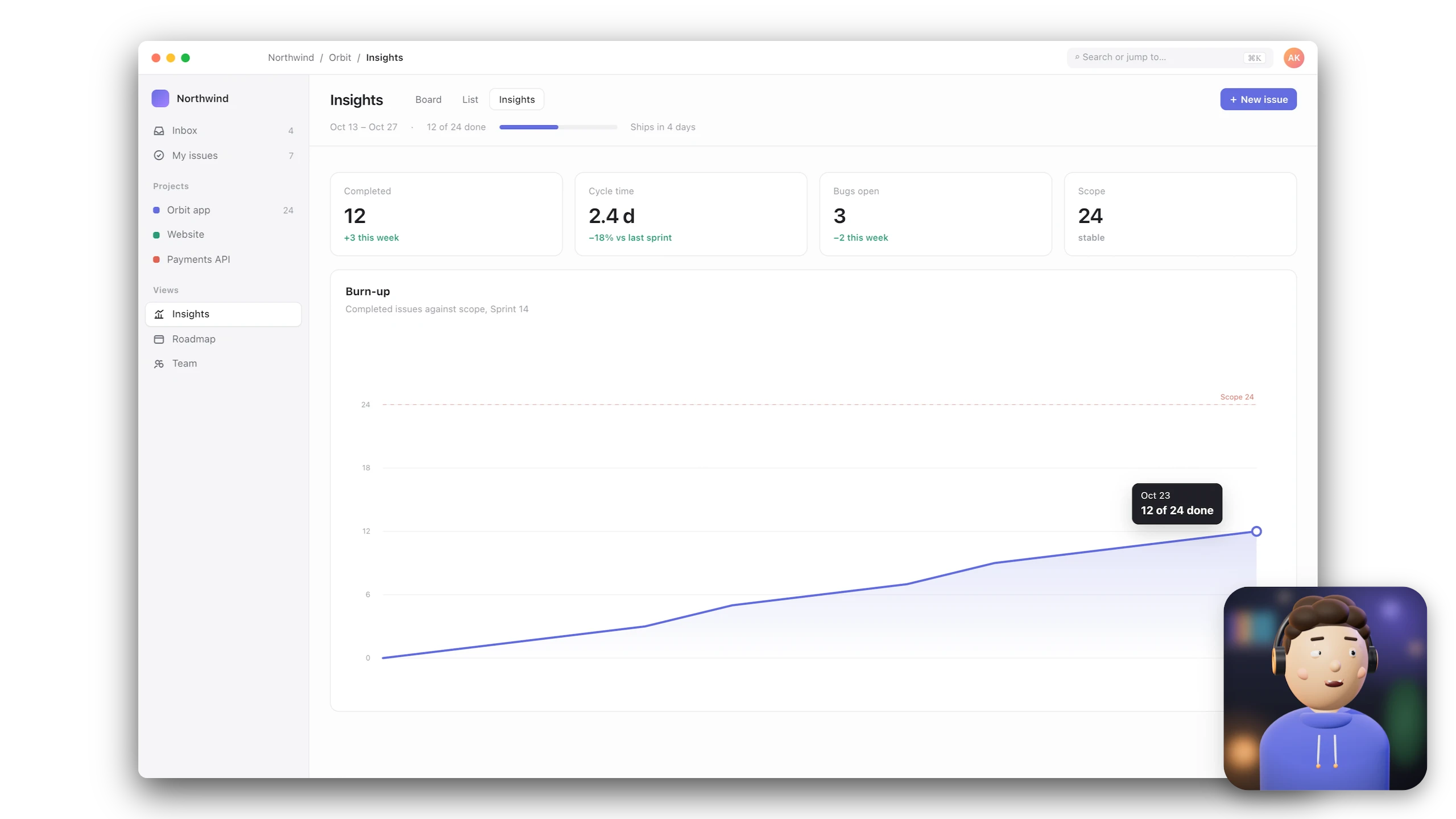
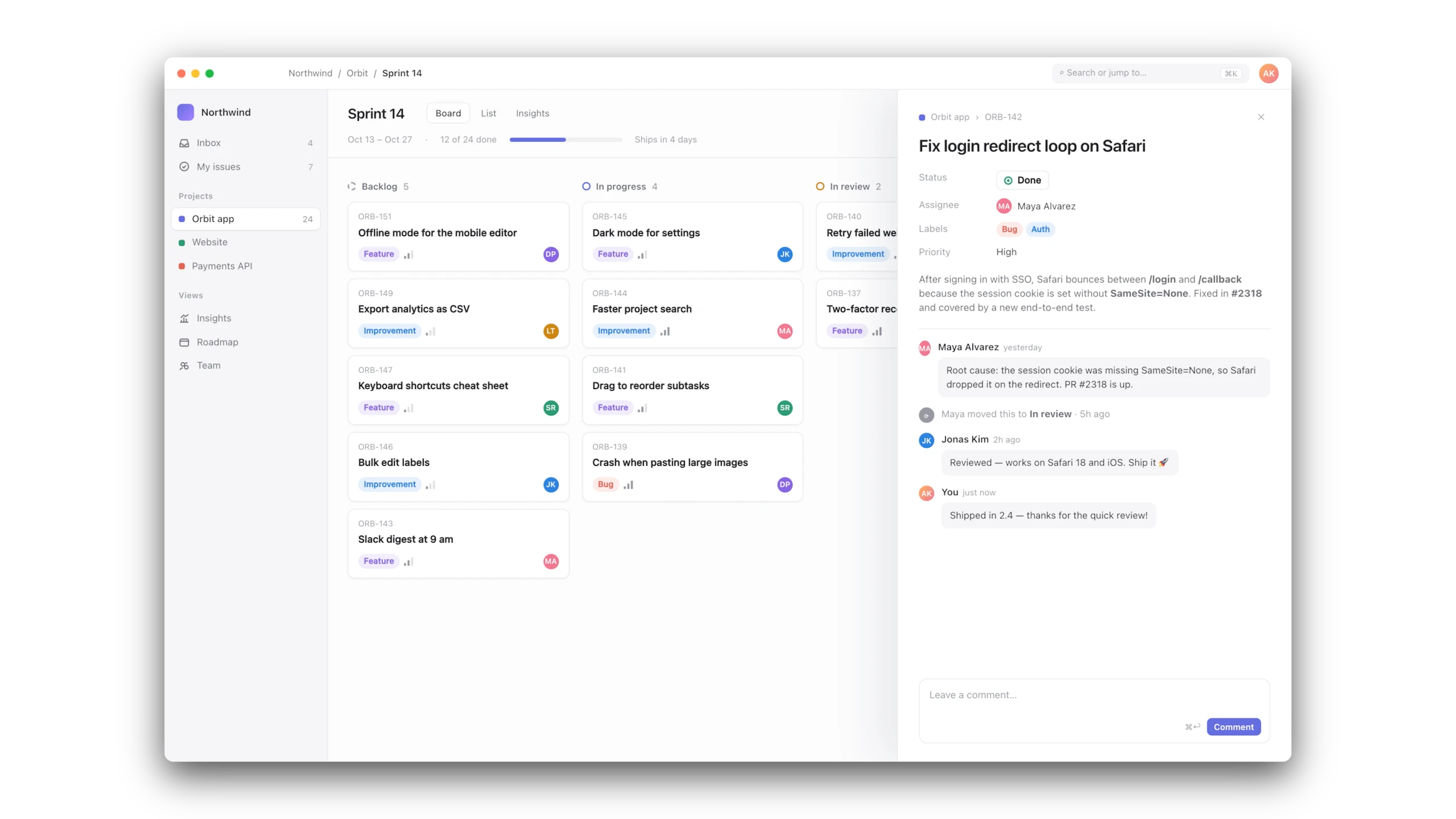
Sixteen seconds in a project tracker. The zooms, the cursor, the captions and the backdrop are all Kadraj — this is its export, untouched.
Kadraj export · 2560 × 1440 · 60 fps · from a 16-second take on a Retina display
01Auto zoom
Kadraj zooms in where you click and type, follows the cursor and pulls back out on its own — no keyframes. Pick how the camera moves.
02Captions
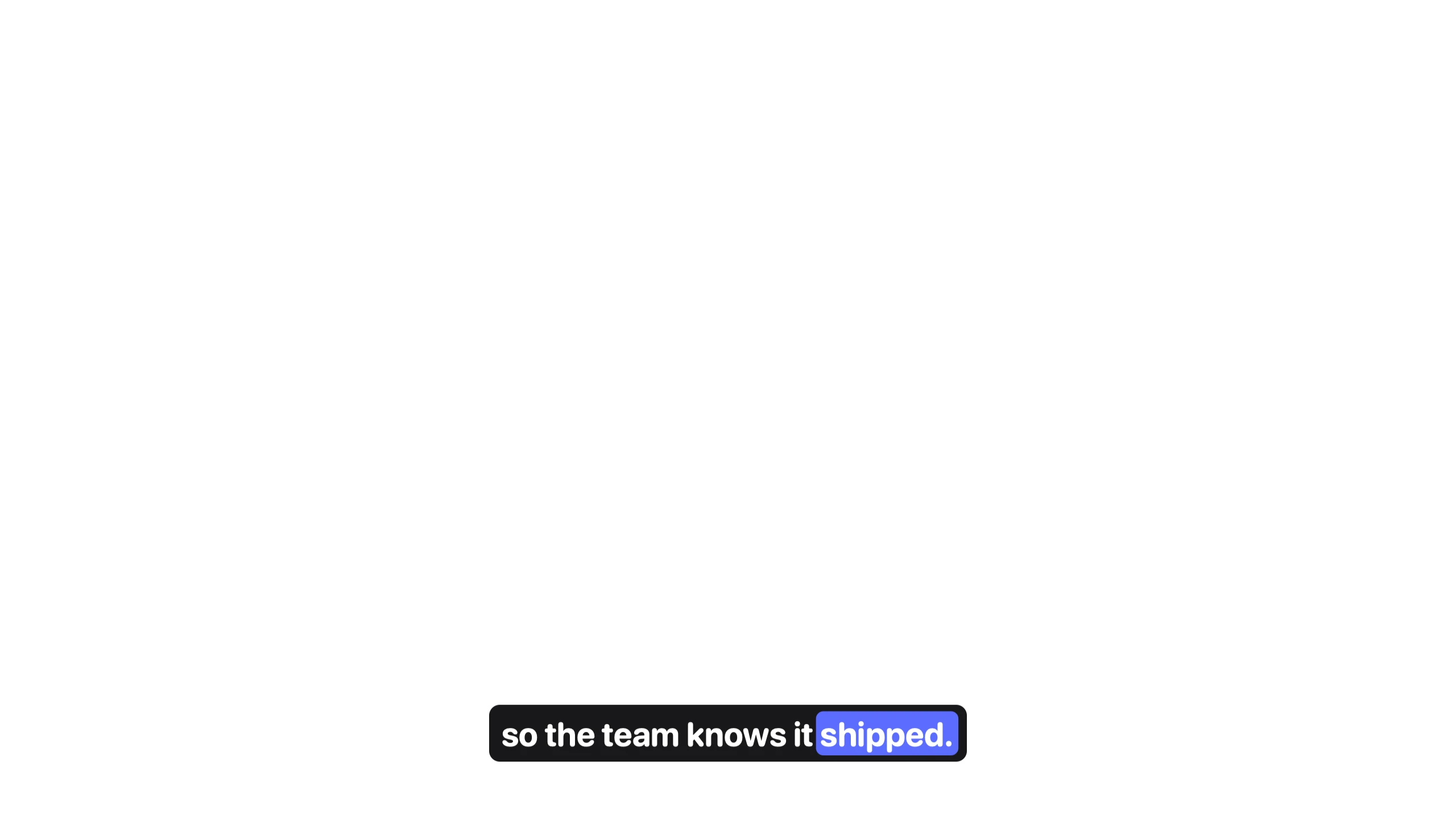
Transcribed on your Mac with word timing · edit the text · export SRT or VTT
03Looks
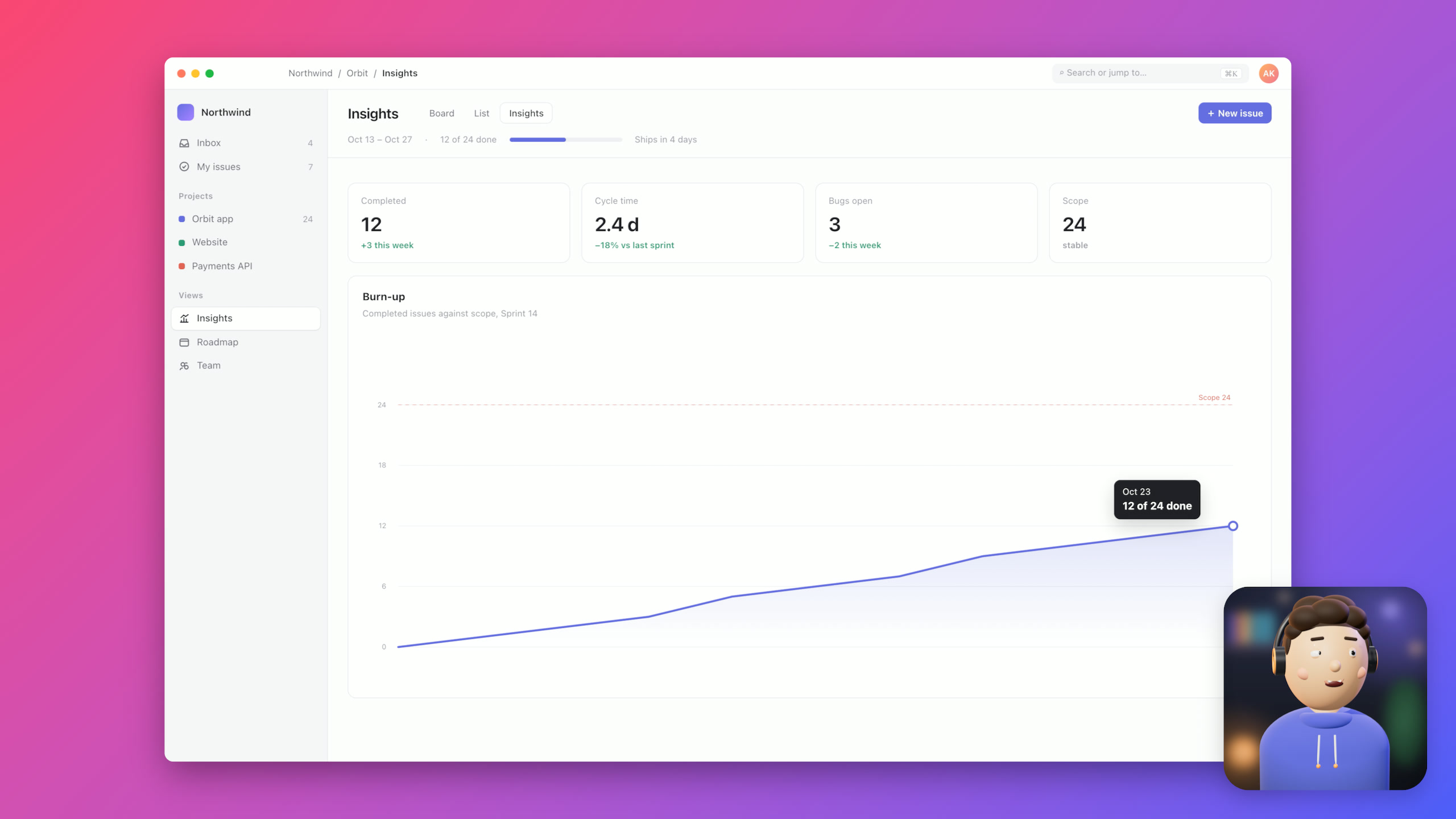
Mesh gradients, your Mac's wallpapers, a colour or nothing at all — rounded corners, a soft shadow and the camera in any shape come with it.
04Inside a frame
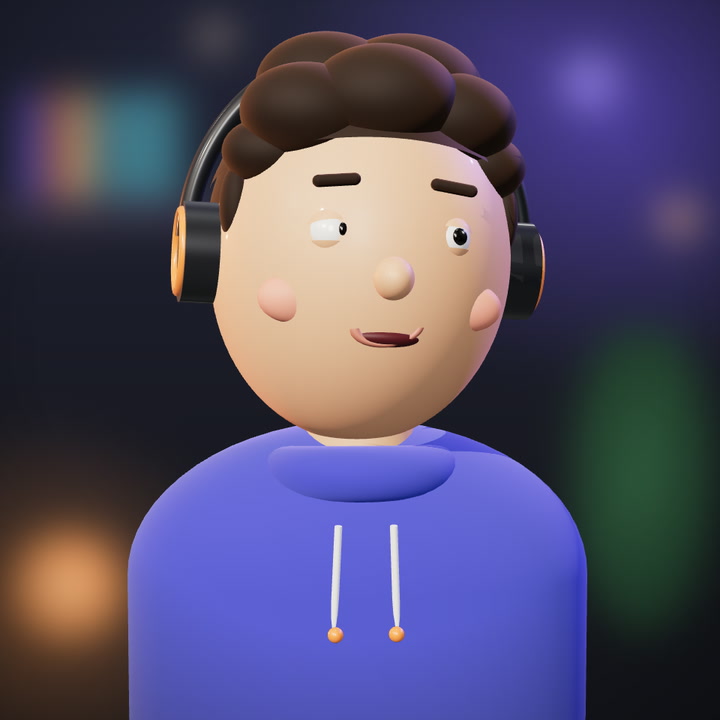
You record once. Kadraj keeps every part of the picture apart — so each one stays editable until you export.
kadraj /kad·raʒ/ — Turkish, from the French cadrage: the frame a camera sees.
 Background
 Screen
 Camera
 Captions
05The editor
The take keeps playing while you restyle it. Every layer has its lane, every setting is one click from the preview, and every change is one undo away.
06And the rest
On-device AI
An editing agent on Apple Intelligence, right on your Mac — no API key, nothing uploaded. These are real runs on the take above, timed on this Mac. Or connect Claude, OpenAI or Ollama, and let Claude Code, Codex and Cursor edit through 66 tools over MCP.
The take, before
Secret Shield
Kadraj reads your recording on your Mac, finds API keys, tokens, .env values and emails, and blurs them —
the blur follows the text as it scrolls. Drag across the take to compare.
9 secrets found in 3.6 s · on this Mac
Sound
Pick a genre and Kadraj composes a soundtrack on your Mac in under a second — royalty-free, looped to fit, ducked under your voice. Noise removal and sound effects come with it. Press play: these were made by the app.
07Under the hood
Kadraj is a native Mac app — Swift, ScreenCaptureKit, AVFoundation and Core Image on the GPU. No Electron, no web view, no upload.
Export speed
The 16-second take above, exported to HEVC on a MacBook Pro with M5 — wall-clock time, median of three runs.
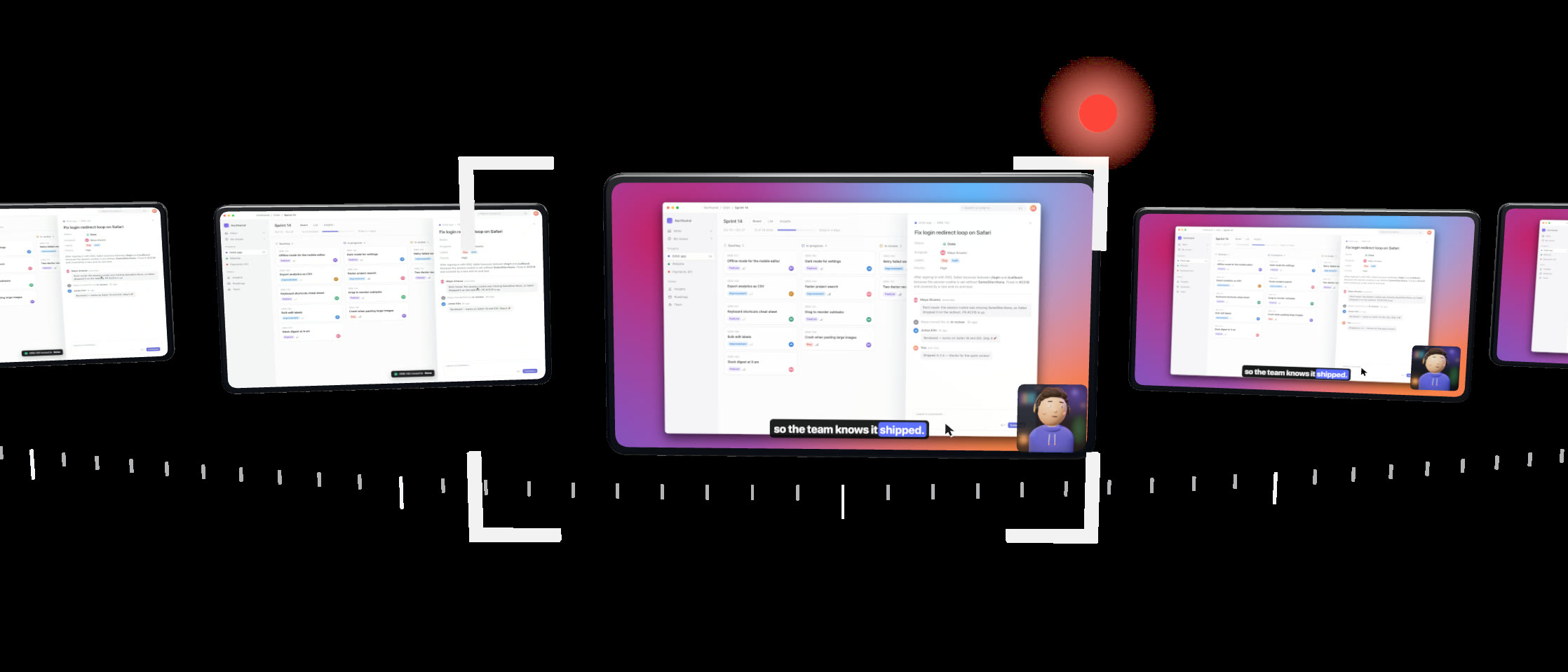
Kadraj records where the pointer goes, not what it looks like — then redraws it sharp at any size, smooths the path and shows each click.
Capture lands on an exact 30, 60 or 120 fps grid, so cuts, zooms and speed changes fall on whole frames.
Pause and resume as often as you like — audio stays within about a millisecond and video within a frame.
Secret Shield reads the finished frames back with on-device text recognition before it says a secret is gone.
Final Cut, Resolve and Premiere timelines with every layer apart and each zoom as keyframes — or ProRes 4444 with alpha.
Kadraj never uploads your videos. A project is a plain folder on your Mac: the recording, its events and one JSON file. Privacy ›
08Pricing
For the first six months after launch. There's nothing to pay and no card to enter — just sign in.
Kadraj never forces a watermark. If you'd like to support us, switch on the small Kadraj badge when you export — it's how people find us.
Something else? Write to us ›
Macs with Apple silicon running macOS 15 Sequoia or later. The on-device AI editor needs macOS 26 with Apple Intelligence turned on; everything else works without it.
Yes — one sign-in with Apple, Google, GitHub or an emailed code. It's free, there's no card, and it's how we see how many people use Kadraj and for how long. It never holds your recordings or anything on your screen; the privacy page lists exactly what it keeps.
Only to sign in the first time. After that, recording, editing, Secret Shield, music and the on-device agent work offline; usage stats wait on your Mac and sync when you're back online. Captions use Apple's speech recognition — on your Mac for languages that support it.
Yes. Kadraj writes FCPXML, OpenTimelineIO and Premiere XML timelines with the screen, cursor and camera on separate layers and every zoom as keyframes.
Yes — Kadraj includes an MCP server with 66 editing tools. With the app open, an agent's edits appear live and can be undone.
Yes. Each track is composed on your Mac from a seed — there's no library to license.
Yes. They are Kadraj's own exports of one 16-second take of a sample app, with different settings — nothing was touched up afterwards.
It's Turkish for the frame a camera sees, from the French cadrage. Say it “kad-rahzh” — it rhymes with garage.